If you’re starting a career in IT, you’ve probably heard about Linux. It is one of the most important operating systems in the world and is used on servers, cloud platforms, network devices, development environments, and personal computers.
At first, Linux can seem difficult because of the terminal and command line. However, once you understand a few basic concepts, it becomes much easier to use.
In this Linux for beginners guide, you’ll learn what Linux is, how it works, the difference between Linux and Windows, and the first commands every beginner should know.
What Is Linux?
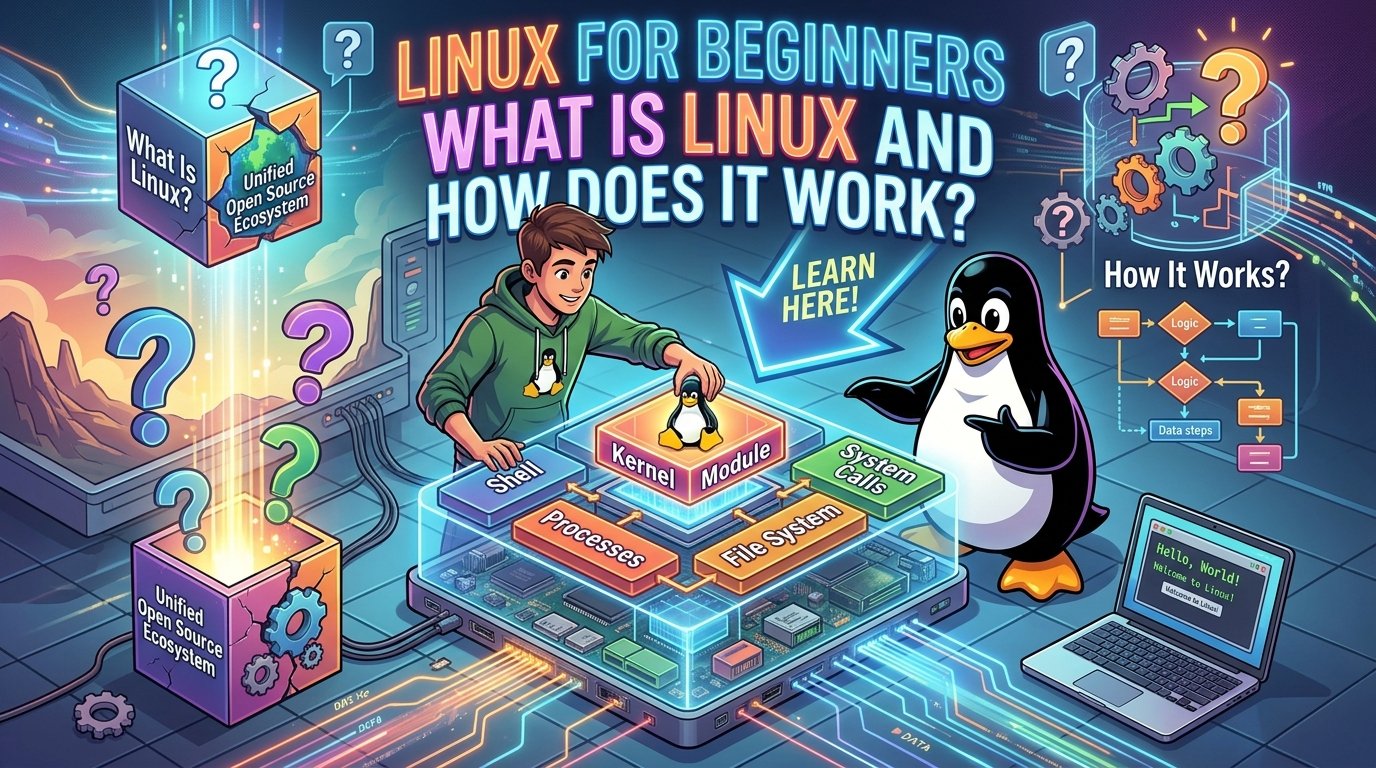
Linux is an open-source operating system kernel created by Linus Torvalds in 1991.
The kernel is the core part of an operating system. It manages communication between software and computer hardware, including:
- The processor (CPU)
- Memory (RAM)
- Storage drives
- Network adapters
- Hardware devices
- Running applications
When people say “Linux,” they usually mean a complete operating system built around the Linux kernel.
What Is a Linux Distribution?
A Linux distribution, often called a distro, combines the Linux kernel with the software needed to create a complete operating system.
Different distributions are designed for different users and purposes.
Some popular Linux distributions include:
- Ubuntu
- Debian
- Fedora
- Linux Mint
- Arch Linux
- Rocky Linux
- AlmaLinux
For beginners, Ubuntu and Linux Mint are often good starting points because they have large communities and plenty of documentation.
Linux vs Windows
Linux and Windows are both operating systems, but they are designed differently.
| Feature | Linux | Windows |
|---|---|---|
| Source code | Mostly open source | Proprietary |
| Terminal | Very important | Available |
| Customization | Very high | More limited |
| Server usage | Very common | Very common |
| Software installation | Package managers | Installers and Microsoft Store |
| File system | Unix-like | Windows-specific |
Neither operating system is automatically better for every situation. The best choice depends on what you want to do.
Windows is widely used for desktop computers, gaming, and many business applications. Linux is especially popular for servers, cloud computing, development, networking, and cybersecurity.
Why Is Linux So Popular?
Linux is widely used because it is flexible, stable, and highly customizable.
It is commonly found in:
- Web servers
- Cloud infrastructure
- Database servers
- Development environments
- Network appliances
- Cybersecurity labs
- Containers
- Supercomputers
For anyone interested in IT, learning Linux can open doors to careers in system administration, cloud computing, networking, DevOps, and cybersecurity.
Understanding the Linux Terminal
One of the first things beginners notice is the terminal.
The terminal lets you interact with the operating system by typing commands.
For example:
pwdThis displays the current directory.
Another useful command is:
lsThis lists the files and folders in the current directory.
To move into another directory, you can use:
cd DocumentsYou don’t need to memorize hundreds of commands. Start with a few essential ones and practice using them regularly.
Essential Linux Commands for Beginners
Here are some commands every beginner should learn.
pwd
Shows your current directory.
pwdls
Lists files and directories.
lscd
Changes the current directory.
cd /home/usermkdir
Creates a new directory.
mkdir projectstouch
Creates an empty file.
touch example.txtcp
Copies a file.
cp example.txt backup.txtmv
Moves or renames a file.
mv example.txt document.txtrm
Deletes a file.
rm document.txtBe careful with rm, because deleted files may not be moved to a recycle bin.
Understanding the Linux File System
Linux organizes files in a hierarchical structure.
The top level is called the root directory and is represented by:
/Some important directories include:
/
├── home
├── etc
├── var
├── tmp
├── usr
├── boot
└── dev
/home
Contains personal files for users.
Example:
/home/mohamed/etc
Contains many system configuration files.
/var
Contains data that changes regularly, such as system logs.
/tmp
Stores temporary files.
/boot
Contains files needed to start the operating system.
/dev
Contains representations of hardware devices.
Understanding these directories is an important foundation for learning Linux.
Best Linux Distribution for Beginners
There is no single Linux distribution that is perfect for everyone.
If you’re completely new to Linux, consider starting with:
- Ubuntu – popular, beginner-friendly, and widely used.
- Linux Mint – designed to be comfortable for users moving from Windows.
If your goal is server administration, Ubuntu Server or Debian are also excellent choices.
The most important thing is to choose one distribution and practice consistently instead of switching between many different distros.
How to Start Learning Linux
A simple learning path is:
Step 1: Learn the terminal
Practice:
pwdlscdmkdirtouchcpmvrm
Step 2: Learn the file system
Understand what these directories are used for:
/home/etc/var/tmp/usr
Step 3: Practice every day
Even 15–20 minutes of using Linux regularly will help you become comfortable with the terminal and commands.
Later, you can move on to users, permissions, package management, networking, and system administration.
Conclusion
Linux may seem complicated at first, but its basic concepts are straightforward once you start practicing.
Begin with the terminal, learn the essential commands, and understand how the file system is organized. These fundamentals will prepare you for more advanced topics such as Linux administration, networking, cloud computing, and cybersecurity.
For anyone planning a career in IT, Linux is one of the most valuable skills to learn.