
Choosing between Linux and Windows can be difficult, especially if you’re new to computers or starting your IT career.
Both operating systems are powerful, but they are designed with different approaches and are better suited to different situations.
Windows is widely used on desktop computers and business environments, while Linux is extremely popular in servers, cloud infrastructure, development, networking, and cybersecurity.
In this guide, we’ll compare Linux vs Windows and look at their main differences.
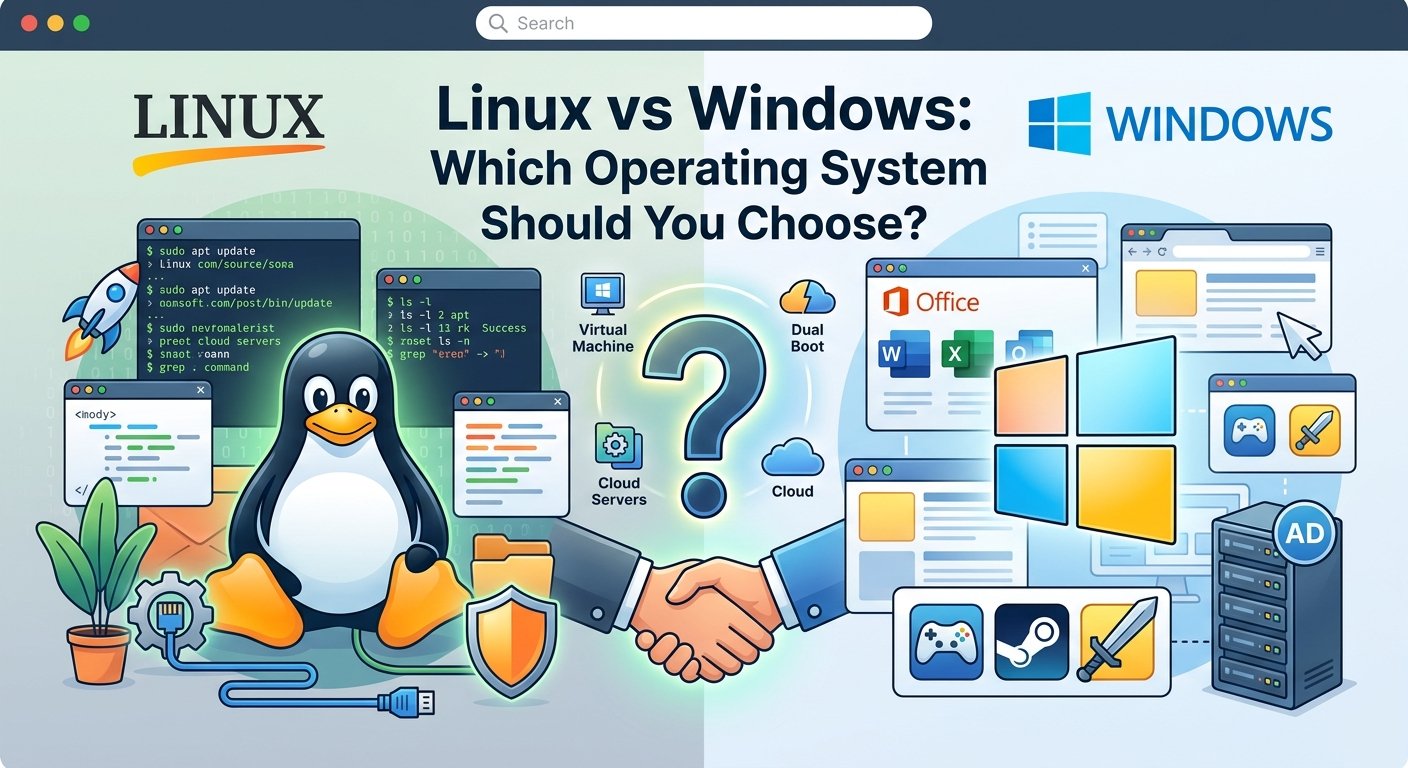
Linux vs Windows: Quick Comparison
| Feature | Linux | Windows |
|---|---|---|
| License | Mostly open source | Proprietary |
| Ease of use | Depends on distribution | Generally beginner-friendly |
| Customization | Very high | Moderate |
| Server usage | Very common | Very common |
| Command line | Very important | Available |
| Gaming | Improving | Excellent compatibility |
| Software compatibility | Varies | Very broad |
| Security | Strong, depends on configuration | Strong, depends on configuration |
| Hardware support | Generally good | Very broad |
| Cost | Many distributions are free | Usually requires a license |
There is no universal winner.
The right operating system depends on your needs.
1. Ease of Use
For most everyday desktop users, Windows can be easier to start with.
Windows provides a familiar graphical interface and supports a large number of applications and hardware devices.
Linux distributions have also become much easier to use.
For example, distributions such as Ubuntu and Linux Mint provide graphical desktop environments that are accessible to beginners.
However, Linux users will eventually encounter the terminal more frequently, especially when working with servers.
Winner for beginners: Windows
But Linux is not difficult to learn if you practice gradually.
2. Customization
Linux is known for its flexibility.
You can customize many parts of the system, including:
- Desktop environment
- Window manager
- Themes
- Applications
- System services
- Terminal
- Startup behavior
Different Linux distributions can provide completely different user experiences.
Windows provides customization options as well, but the underlying system is more controlled.
Winner: Linux
3. Software Compatibility
Windows has excellent compatibility with commercial desktop software.
Many popular applications are designed specifically for Windows.
This is particularly important for:
- Business software
- Microsoft applications
- Professional applications
- Games
- Specialized industry software
Linux has a large software ecosystem, but some Windows-only applications may require alternatives or compatibility layers.
Winner: Windows
4. Gaming
Windows remains the most common choice for PC gaming.
It supports a huge range of games, graphics drivers, launchers, and gaming peripherals.
Linux gaming has improved significantly, particularly through compatibility technologies such as Proton and platforms such as Steam.
However, compatibility can still vary from one game to another.
Winner: Windows
If gaming is your primary reason for using a computer, Windows is usually the simpler choice.
5. Security
Security depends heavily on how an operating system is configured and maintained.
Linux benefits from:
- Strong permission systems
- User privilege separation
- Open-source development
- Extensive security tools
- Powerful administrative controls
Windows also provides many built-in security features, including:
- Microsoft Defender
- Windows Firewall
- User Account Control
- BitLocker
- Secure Boot
Neither operating system is automatically secure simply because it is installed.
Regular updates, strong passwords, least-privilege access, backups, and security software are all important.
Winner: It depends
Good security practices matter more than simply choosing Linux or Windows.
6. Performance
Linux can run very efficiently, especially with lightweight desktop environments.
This makes some Linux distributions suitable for older hardware.
Windows 11 has higher hardware requirements than many lightweight Linux distributions.
However, performance depends on:
- CPU
- RAM
- Storage
- Drivers
- Applications
- Background services
- Desktop environment
Winner: Depends on the hardware
For older computers, a lightweight Linux distribution can sometimes provide a more responsive experience.
7. Linux vs Windows for Servers
This is where Linux becomes particularly important.
Linux is extremely common in server environments.
It is widely used for:
- Web servers
- Cloud servers
- Database servers
- DNS
- Containers
- DevOps
- Hosting
Windows Server is also widely used, particularly in organizations using Microsoft technologies such as:
- Active Directory
- Microsoft SQL Server
- PowerShell
- Microsoft 365
- Azure
Winner: Depends on the environment
For Linux-based cloud and web infrastructure, Linux is an excellent choice.
For Microsoft-centric enterprise environments, Windows Server can be the better option.
8. Linux vs Windows for IT Professionals
If you’re planning a career in IT, learning both can be extremely valuable.
For example, an IT professional may manage:
Windows PCs
      ↓
Active Directory
      ↓
Windows Servers
      ↓
Linux Servers
      ↓
Network Infrastructure
      ↓
Cloud Services
Understanding both platforms gives you more flexibility when troubleshooting mixed environments.
9. Command Line
The command line is an important part of Linux administration.
Common Linux commands include:
ls
cd
cp
mv
rm
chmod
chown
sudo
systemctl
Windows also has powerful command-line tools.
Examples include:
Get-Process
Get-Service
Get-ComputerInfo
ipconfig
ping
Windows PowerShell is particularly powerful for automation and administration.
Winner: Tie
Both operating systems provide powerful command-line environments.
10. Updates
Windows updates are centrally managed by Microsoft and are integrated into the operating system.
Linux updates are generally managed through the distribution’s package manager.
For example, Ubuntu uses:
sudo apt update
sudo apt upgrade
This approach allows administrators to manage packages and updates from the command line.
Both systems require regular updates to remain secure.
Winner: Depends on preference
11. Cost
Many Linux distributions can be downloaded and used for free.
Windows generally requires a valid license, although licensing is often included with the purchase of a computer.
Linux can therefore be an attractive option for:
- Students
- Developers
- Small projects
- Servers
- Testing environments
However, the total cost of an IT environment includes more than the operating system license.
Support, hardware, software, administration, and training can all contribute to the overall cost.
12. Which Is Better for Developers?
Linux is very popular among developers because of its:
- Terminal
- Package managers
- SSH
- Development tools
- Server compatibility
- Scripting capabilities
- Container ecosystem
Windows is also an excellent development platform, particularly for applications built around Microsoft technologies.
Modern Windows also provides tools such as Windows Subsystem for Linux (WSL), allowing developers to use Linux environments directly within Windows.
Winner: Depends on the developer
Both can be excellent development environments.
13. Which Is Better for Networking?
Linux is widely used in networking and infrastructure environments.
Understanding Linux can help you work with:
- Network services
- DNS
- DHCP
- Web servers
- VPNs
- Firewalls
- Network monitoring
Windows is also important in enterprise networking, particularly when working with Active Directory, DNS, DHCP, Group Policy, and Windows Server.
Best choice for IT networking: Learn both
14. Which Should You Choose?
Choose Windows if you primarily need:
- Easy desktop usage
- Broad software compatibility
- PC gaming
- Microsoft applications
- Enterprise Windows environments
Choose Linux if you primarily need:
- Server administration
- Cloud computing
- Development
- Customization
- Networking
- DevOps
- Cybersecurity
- Learning system administration
And if you’re serious about IT:
Learn both.
Understanding both operating systems will make you more versatile and better prepared for real-world IT environments.
Linux vs Windows: Final Verdict
There is no single winner in the Linux vs Windows debate.
Windows is an excellent choice for general desktop use, gaming, commercial software, and Microsoft-based environments.
Linux is an excellent choice for servers, cloud computing, development, networking, cybersecurity, and users who want more control over their operating system.
For an IT professional, the best approach isn’t necessarily choosing one.
Learn Linux and Windows together.
The more platforms you understand, the easier it becomes to troubleshoot and manage real-world IT environments.